
What the interface actually exchanges
An IPTV-to-PMS interface is a message channel. The PMS remains the single source of truth for who is in which room; the IPTV middleware subscribes to changes and reacts. In practice a small number of event types carry almost all the value.
| Event | Direction | What the guest sees |
|---|---|---|
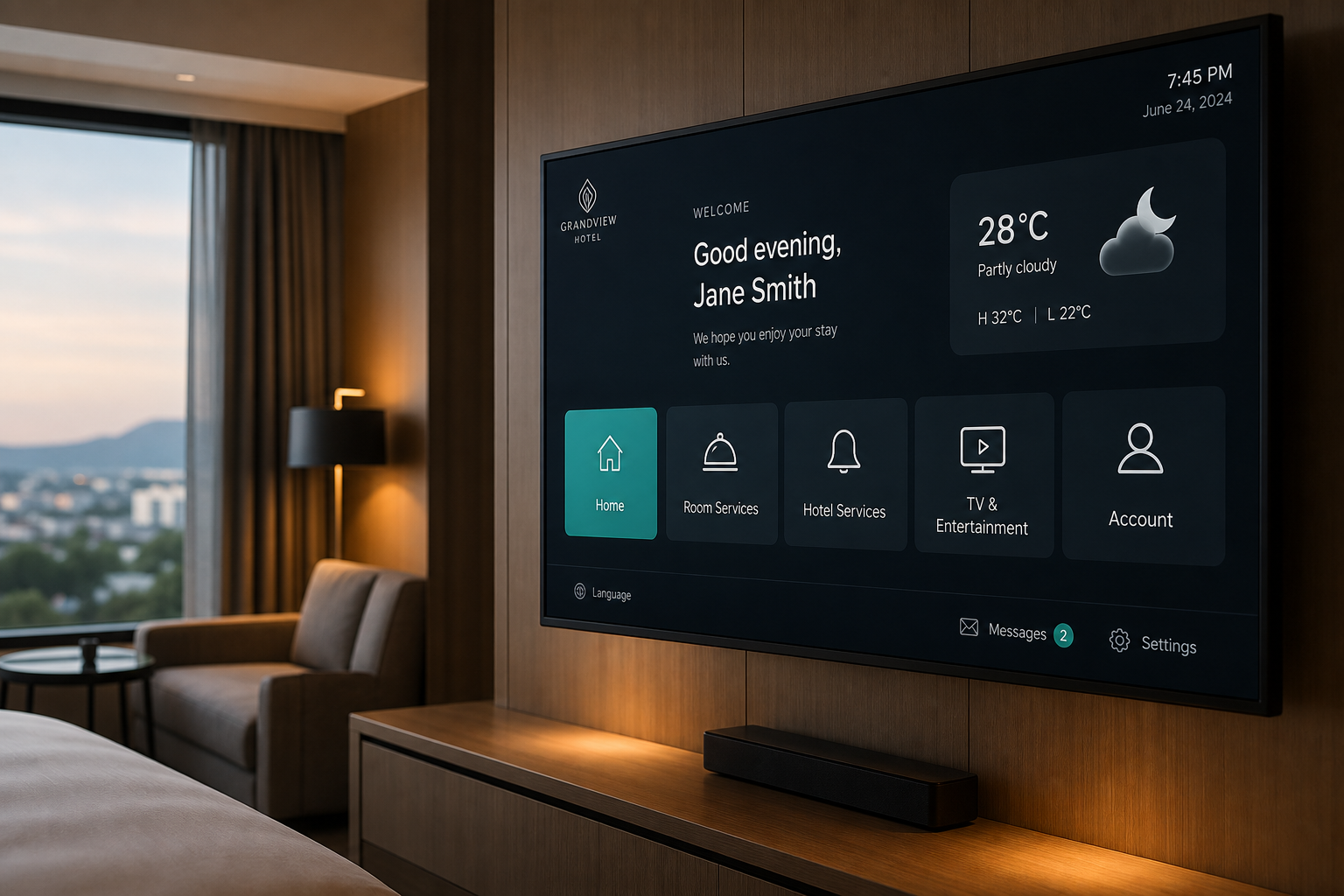
| Check-in | PMS → IPTV | Welcome screen with guest name, language set to their profile, room-category channel package applied |
| Guest profile update | PMS → IPTV | Interface language and preferences follow a room move or a name correction |
| Folio enquiry | IPTV → PMS | Current bill displayed on the TV |
| Express checkout | IPTV → PMS | Guest checks out from the room, no front desk queue |
| Check-out | PMS → IPTV | Room resets: personal data cleared, casting sessions terminated, defaults restored |
| Charge posting | IPTV → PMS | Paid VOD or in-room service charged to the room folio |
How the connection is made
Historically, hospitality PMS interfaces used a serial or socket-based protocol over the local network, with a dedicated interface machine sitting between the PMS and third-party systems. Oracle Hospitality OPERA has long used an interface layer of this kind, and many properties still run it. Newer deployments — particularly cloud-hosted PMS platforms — increasingly expose REST APIs or use OHIP-style cloud integration instead.
From a project planning perspective the distinction that matters is not the protocol but where the PMS lives.
- On-premise PMS — the interface is a local network connection. Latency is negligible, but you depend on a physical interface server that needs patching, backup, and a UPS.
- Cloud-hosted PMS — the interface crosses the internet. It is easier to maintain, but a hotel WAN outage now affects check-in personalisation and express checkout. Design a graceful degradation path.
The licence nobody budgets for
This is the most common unpleasant surprise in a hotel IPTV project. Several PMS vendors charge their own fee to enable a third-party interface. That fee is charged by the PMS vendor to the hotel — not to the IPTV integrator — so it will not appear in your IPTV quote no matter how thorough the integrator has been.
Before signing the IPTV contract, send one email to your PMS account manager asking what it costs to enable a third-party guest-entertainment interface, whether it is one-off or annual, and what the lead time is to provision it. The lead time is frequently the bigger problem: an interface that takes six weeks to provision will delay your go-live regardless of how fast the IPTV rollout runs.
Five failure modes worth planning for
1. The interface drops and nobody notices
When the PMS link fails, IPTV usually keeps working — channels play normally — so nothing looks broken. What silently stops is personalisation and, critically, room reset at checkout. Guests start seeing the previous occupant's name. Require active monitoring with an alert to a named person, not a status page somebody has to remember to check.
2. Room number and PMS room ID do not match
The PMS may hold room "0412" while the network and IPTV inventory call it "412", or a suite may be sold as one room but contain two TVs on different ports. Mismatches send the wrong guest name to the wrong screen. Agree a single room-numbering map, in writing, before commissioning, and treat connecting rooms and suites as explicit exceptions.
3. Room moves
A guest relocated from 412 to 618 must lose personalisation in the old room and gain it in the new one. This is genuinely one of the most commonly broken paths, because it is rarely in the test script. Put it in the test script.
4. Day-use, complimentary, and house rooms
Rooms occupied without a standard reservation record often produce no check-in event, so they show a stale or blank welcome screen. Decide during design what these rooms should display, rather than discovering it during a soft opening.
5. Express checkout with a disputed folio
If a guest disputes a charge, express checkout must route them to the front desk rather than silently failing or completing a checkout the hotel cannot reverse. Define this rule with the front office manager, not with the integrator alone.
A commissioning test script that catches real problems
Run every one of these against live rooms before sign-off. Each maps to a failure we have seen in the field.
- 1Check a guest in and confirm the correct name, language, and channel package appear within the agreed time.
- 2Check the same guest out and confirm the room fully resets, including any active casting session.
- 3Move a guest between rooms and verify both rooms behave correctly.
- 4Check in two guests to a connecting suite with two TVs and confirm both screens show the right data.
- 5Disconnect the PMS interface, then check a guest in and out. Confirm the system degrades safely and raises an alert.
- 6Post a charge from the TV and confirm it lands on the correct folio.
- 7Attempt express checkout on a folio with a disputed line and confirm the guest is routed to the front desk.
- 8Check in a guest with a non-Latin name and confirm it renders correctly on screen.